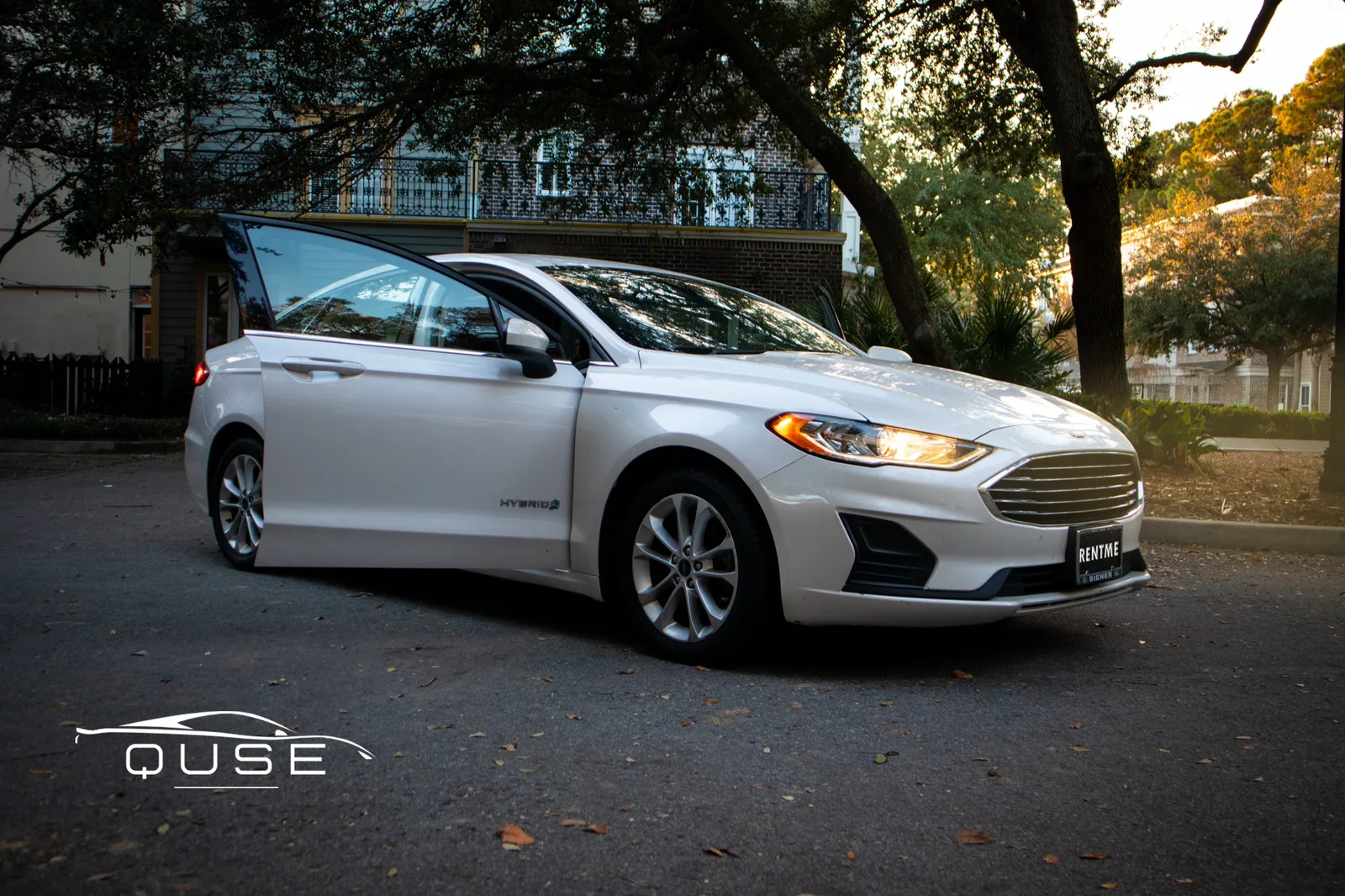
If you have only ever rented from a counter, Turo can feel unfamiliar. You are booking a specific car from a specific local host, not a car class from a company desk. The process is simple once you have done it, and it removes most of the lines and upsells. This guide walks through each step as it works with QUSE Cars, a 12-car fleet based in Mount Pleasant with a 5.0 rating across 600+ trips.
Step 1: Pick the car, not just a category
On Turo you choose the exact car you will drive. Each listing shows photos, the daily price, the mileage allowance, the host's rating and the number of trips. You can browse our whole lineup on our Turo host profile, or read about each car on our fleet page. Prices start at $55 a day for the Chevrolet Equinox, and run up to $80 for the GMC Sierra. Prices on Turo can vary by date and demand, so the total you see at checkout is the number to trust.
Step 2: Book and verify your driver's license
You book through the Turo app or website. You will need an account and a verified driver's license. Verification has to be finished at least two hours before your trip starts, so do it when you book, not at the airport. Turo sets the age rules, so read our guide on renting under 25 if that applies to you.
Step 3: Choose how you get the car
- Charleston airport (CHS): We deliver for a $100 fee, which is free on trips of 5 days or more. See how that works in our CHS delivery guide.
- Mount Pleasant pickup: Pick up at our location, or ask for delivery within 10 miles.
- Message first: If your plans are unusual, send a note through the Turo app before you book.
Ready to book?
Pick a car from $55/day, finish verification early and message us through Turo with your flight or hotel details.
Charleston airport car rental Browse the fleet on TuroStep 4: Protection and insurance
At checkout Turo offers protection plan options, and the terms and pricing are Turo's, not ours. Read them before you pay. If you have your own auto insurance or a credit card with rental coverage, check with the issuer to see whether it applies to peer-to-peer rentals, because policies differ. We can't give insurance advice, but we are happy to point you to the right pages in the Turo app.
Step 5: Pickup and trip day
Before the trip starts we message you through the app to confirm the time and place. At the handoff you check the car, take photos and drive off. Everything about the trip, including the mileage allowance and any fuel or cleaning rules, is listed in the Turo listing, so read those before you go. If something changes, such as a flight delay, message us in the app and we will adjust.
Step 6: Return the car
Return the car at the agreed time and place with about the same fuel level. We check it, you get a confirmation through Turo, and the trip closes out. Because the whole process runs in the app, there is no counter and no paperwork at the end.
What to watch for the first time
- Mileage limits. Each listing sets its own. Read it if you plan long drives.
- Fees and extras. Compare the checkout total, not the headline daily rate. Our post on Turo vs Enterprise in Charleston shows how.
- Downsides. Turo is not perfect for everyone. We wrote an honest list in the downsides of Turo and how we handle them.
How Turo differs from a rental counter
The biggest change is that you know the exact car before you book. At a counter you reserve a class, such as "midsize SUV or similar," and get whatever is on the lot. On Turo the listing is the car, with its own photos, reviews and trip history. You also deal with one host rather than a call center, so questions about timing, fuel or the handoff go to the person who owns the car. For many visitors that means fewer surprises, and for repeat visitors it means you can book the same car again.
Tips for booking a Charleston trip
- Book early for busy weekends. Popular cars, like our Jeep Cherokee, can be taken on holiday and event weekends.
- Send your flight number. It lets us track delays and keep the CHS handoff smooth.
- Read recent reviews. Reviews on a listing tell you more about the host than any description.
- Ask before you book. If you need a car seat, a late return or an unusual pickup, message us first.
Frequently asked
How does Turo work for a visitor to Charleston?
You book a specific car from a local host through the Turo app, verify your driver's license, and arrange pickup or delivery. We deliver to Charleston International Airport (CHS) for a $100 fee, free on trips of 5 days or more.
When do I need to verify my license on Turo?
At least two hours before your trip starts. It is easier to do it when you book.
Is Turo insurance included?
Turo offers protection plans at checkout, and the terms are Turo's. Read them, and check whether your own auto insurance or credit card covers peer-to-peer rentals. We can't give insurance advice.
Do I need to go to a rental counter?
No. Pickup is a handoff with the host, either at our Mount Pleasant location, within 10 miles by delivery, or at CHS, and the rest happens in the app.
Book your first Turo trip
12 cars from $55/day, 5.0-rated All-Star Host, delivery to CHS.
Charleston airport car rental QUSE Cars on Turo